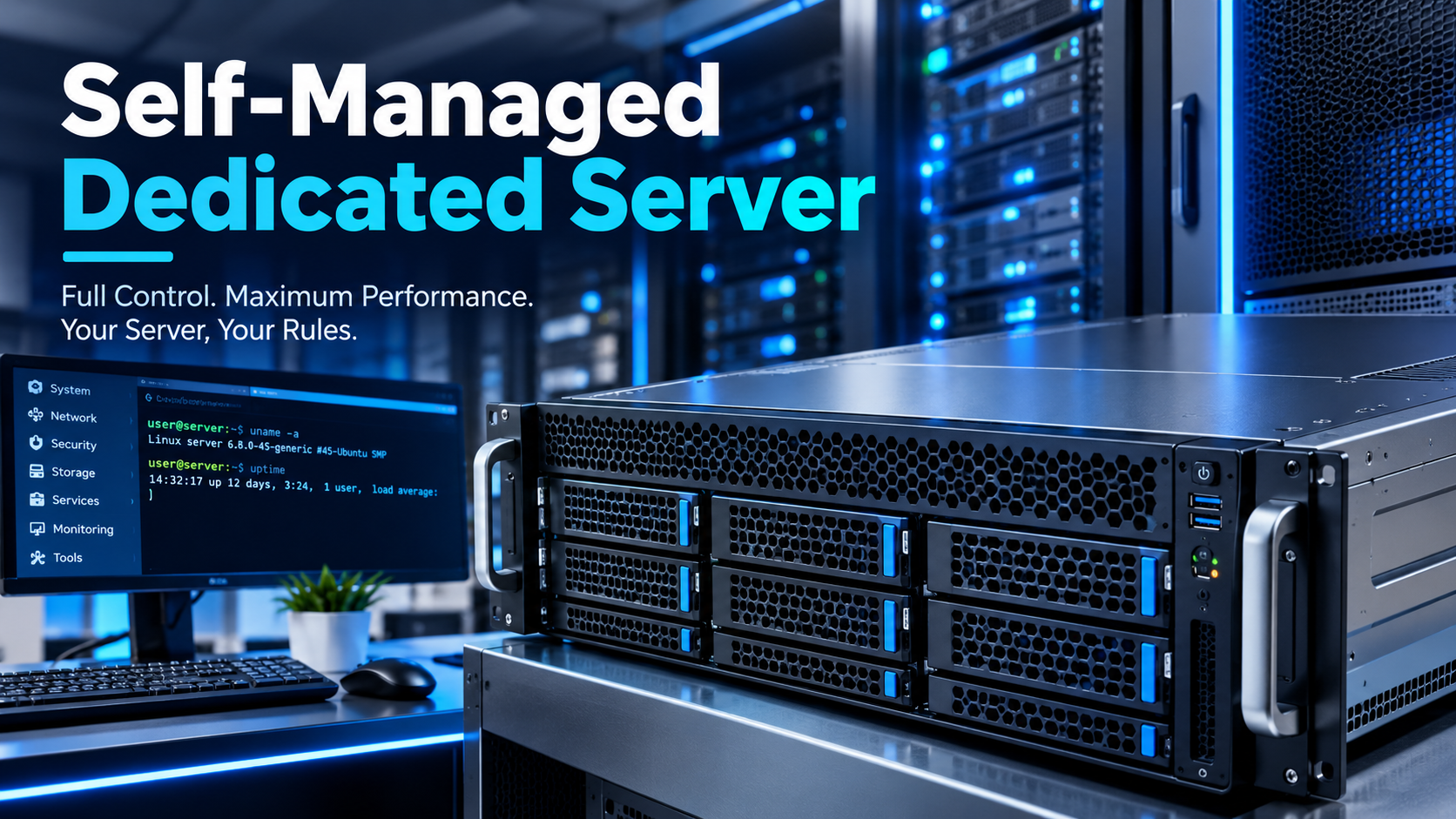
A self-managed dedicated server gives you exclusive access to an entire physical machine, its CPU, RAM, storage, and network resources reserved for your workloads alone. No hypervisor layer, no noisy neighbors, no management fee for software you would rather configure yourself. This guide examines the architecture, economics, and operational reality of self-managed bare metal in 2026.
This article provides a complete analysis of self-managed dedicated server hosting in 2026. It covers the fundamental architecture that distinguishes dedicated hardware from VPS and cloud instances, the economic rationale for choosing a self-managed approach, the full stack of software and security responsibilities that come with root access, and the specific workloads where bare metal remains the only viable option. The goal is to offer a definitive reference for engineers, system administrators, and technology leaders evaluating their infrastructure options.

What Is a Self-Managed Dedicated Server?
A dedicated server is a physical machine reserved exclusively for one customer. You get exclusive use of its CPU, RAM, storage, and network resources, plus deeper configuration flexibility than any virtualized environment can provide [citation:7]. There is no hypervisor layer abstracting the hardware, no contention for I/O operations, and no "noisy neighbor" effect from other tenants on the same physical host [citation:2].
The "self-managed" qualifier defines the support boundary. In a self-managed arrangement, the hosting provider is responsible for the physical infrastructure: power, cooling, network connectivity, and hardware replacement. Everything above the operating system—kernel configuration, security hardening, software installation, performance tuning, monitoring, and backups—is your responsibility [citation:6].
This is not a limitation; it is the entire value proposition. A self-managed dedicated server delivers the raw power of exclusive hardware without charging for management layers you would rather handle yourself. You are not paying for a control panel you will replace, a security stack you will reconfigure, or a support tier that cannot answer questions beyond "did you restart it?" [citation:2].
The Economic Case: What You Pay For and What You Save
The pricing structure of self-managed dedicated servers reflects a clear economic principle: you pay for hardware exclusivity, not for expertise. The gap between self-managed and fully-managed pricing is substantial and consistent across providers.
| Provider | Entry-Level Self-Managed | Equivalent Managed | Monthly Premium |
|---|---|---|---|
| HostGator (India) | ₹7,629/month | ₹16,269/month | ₹8,640 (~113%) |
| HostDime (Mexico) | $2,690 MXN/month | Not offered at entry tier | — |
The HostGator comparison illustrates the magnitude clearly: a fully-managed server costs approximately 113% more per month than the self-managed equivalent for the same hardware [citation:6]. That premium covers control panel configuration, security patching, application installation, monitoring, and support for software-level issues. For an experienced administrator, that is a recurring cost for work they can perform more efficiently themselves.
The hardware specifications available at the self-managed entry level are also instructive. HostDime's Self Managed Base plan at $2,690 MXN/month includes an Intel Core i3-2120 with 2 cores and 4 threads, 8 GB RAM, and a 480 GB SSD or 1 TB HDD [citation:18]. This is modest hardware, but it is entirely exclusive to the customer. For workloads that are I/O-bound or latency-sensitive, exclusive access to even modest hardware often outperforms shared access to more powerful virtualized resources [citation:7].
The cost calculus shifts further when comparing to cloud hosting. Cloud instances offer elastic scalability, but the pay-as-you-go model carries a premium for that flexibility. A self-managed dedicated server with fixed monthly pricing provides predictable costs and consistent performance, which is essential for workloads with steady, high-volume demand [citation:15].
Architecture: Why Physical Isolation Matters
The architectural distinction between dedicated and virtualized hosting has practical consequences that extend beyond performance benchmarks.
Resource Allocation. In a VPS environment, a physical server is divided into multiple virtual instances using a hypervisor. While resources are allocated and isolated, they are still managed by software and subject to the host's capacity constraints [citation:7]. A dedicated server is single-tenant; you own the entire physical chassis, the CPU cores, and the memory bus.
I/O Latency and Throughput. Virtualization adds a thin layer of abstraction. For most web applications, this is unnoticeable. However, for high-load databases or workloads where milliseconds matter, the direct-to-hardware access of a dedicated server provides lower and more consistent latency. There is no sharing of the network interface card or the storage controller [citation:7].
Security Isolation. A VPS provides logical isolation: software ensures that one tenant cannot see another's data. A dedicated server provides physical isolation. For organizations with high-security profiles, having a gap of physical hardware between their data and the rest of the internet is a mandatory requirement, not a preference [citation:7].
Scaling Trade-off. VPS wins on elasticity. If traffic triples during a marketing campaign, VPS resources can be upgraded in seconds with a dashboard click. Scaling a dedicated server often requires a technician to physically install more RAM or drives, which can involve scheduled downtime. This is the fundamental trade-off: dedicated servers offer performance consistency and physical isolation at the cost of elastic scalability [citation:7].
The Self-Managed Stack: What You Actually Own
When you choose a self-managed dedicated server, you accept responsibility for the entire software stack. This is not a burden to be minimized; it is the freedom to build precisely what the workload requires.
| Layer | Provider Responsibility | Your Responsibility |
|---|---|---|
| Physical Hardware | Chassis, CPU, RAM, storage, power, cooling | Hardware upgrade requests |
| Network | Connectivity, uplink, DDoS mitigation at network level | Firewall rules, port configuration, IP management |
| Operating System | OS installation (if requested) | Kernel updates, patch management, OS hardening |
| Security | Physical security, network-level DDoS protection | Firewall (IPTables/UFW/NFTables), brute-force protection, SSH hardening, malware scanning |
| Applications | None | Web server, database, runtime, all software installation and configuration |
| Monitoring | Hardware health, network uptime | Service monitoring, performance metrics, log analysis, alerting |
| Backups | None (unless purchased as add-on) | Backup strategy, execution, restoration testing |
The security layer deserves particular emphasis. A self-managed server begins as a blank slate, and every security control is your responsibility. The essential hardening steps for a new deployment include [citation:3]:
- Firewall Configuration: IPTables, UFW, NFTables, or CSF must be configured to limit access to required ports and IP addresses only.
- Brute Force Protection: Tools like cPHulk (for cPanel environments) or Fail2Ban must be deployed to block repeated failed login attempts.
- Secure Connections: SSH should use key-based authentication rather than passwords, and SFTP should replace standard FTP.
- Software Integrity: Only install software from trusted repositories. Third-party software from untrusted sources can contain malware.
- Regular Updates: Out-of-date software is the most common vector for exploitation. Patch management is continuous.
- Malware Scanning: Even with strong security measures, regular scanning is essential to detect compromises that have already occurred.
For administrators seeking a more automated approach, frameworks like PolyServer for Debian 13 provide enterprise-grade hardening templates. This includes package pinning for security-critical software, persistence detection monitoring all autostart locations, SUID/SGID binary tracking, and full disk encryption detection [citation:8].
What You Can Build: The Application Landscape
The self-managed dedicated server is the correct tool for workloads that demand consistent performance, physical isolation, or deep customization. The following applications represent where this architecture excels.
Private Cloud and Virtualization Clusters. Many organizations build their own private clouds on dedicated servers rather than consuming managed private cloud services. The basic architecture uses dedicated compute nodes as hypervisor hosts, interconnected via a private Layer 2 network. Storage is attached via NFS or SMB, and a dedicated firewall acts as the secure gateway between the private network and the public internet. This approach provides the cost-effectiveness of dedicated hardware with the flexibility of a virtualized environment [citation:1].
High-Traffic Production Applications. For e-commerce platforms, enterprise databases, and bespoke applications that consume massive I/O operations, dedicated hardware guarantees that performance is never compromised by other tenants' workloads. The "noisy neighbor" effect is eliminated entirely [citation:2].
Game Servers and Real-Time Applications. Multiplayer game servers demand low latency and stable performance. A self-managed dedicated server provides the direct hardware access and network control necessary for a responsive gaming experience. The typical deployment involves installing the server binary via SteamCMD, configuring launch parameters with strong passwords, and opening the required UDP ports. The entire process is within the administrator's control [citation:14].
Development and CI/CD Infrastructure. While cloud servers are often preferred for ephemeral development environments, self-managed dedicated servers can serve as stable, high-performance build servers and continuous integration runners. The ability to install custom toolchains and configure the environment precisely is valuable for teams with specialized requirements [citation:15].
Homelab-Style Infrastructure at Scale. The same principles that drive homelab enthusiasts to self-host services on old workstations apply at scale with dedicated servers. Media servers, code repositories, file storage, and personal cloud services can all run on a single dedicated machine with full root access [citation:5][citation:10].
Choosing a Provider: What to Evaluate
The self-managed dedicated server market includes providers ranging from global enterprises to regional specialists. The evaluation criteria that matter most for this specific hosting model are:
Hardware Flexibility. The ability to configure CPU, RAM, and storage to match specific workload requirements is essential. Providers like GoDaddy offer plans ranging from Intel Xeon-D with 4 cores to AMD EPYC with 16 cores, with corresponding RAM and storage tiers [citation:11].
Network Quality. For latency-sensitive applications, the network infrastructure is as important as the hardware. Look for providers with redundant network paths, multiple bandwidth providers, and well-connected data centers. HostDime's Mexico data center, for example, emphasizes local support and enterprise-grade infrastructure [citation:18].
OS Support. Self-managed servers should offer a range of operating system options. Linux distributions including Ubuntu, Debian, CentOS, and AlmaLinux are standard. Windows Server options are also available from most providers for workloads that require it [citation:11].
Root Access and Control. The defining feature of self-managed hosting is full root or administrator access. Verify that the provider grants complete control over the operating system, including the ability to install custom kernels, configure services, and manage users [citation:6].
DDoS Protection. Network-level DDoS mitigation is a provider responsibility that should be included by default. The ability to filter malicious traffic before it reaches the server is essential for production workloads [citation:11].
Conclusion: The Right Tool for the Right Job
The self-managed dedicated server is not a universal solution. It is a specialized instrument for workloads that demand exclusive hardware access, consistent performance, physical isolation, and complete software control. The economic case is clear: eliminating the management premium reduces monthly costs by 50% or more, and the hardware exclusivity eliminates the performance variability inherent in virtualized environments.
The trade-off is responsibility. Every security patch, every firewall rule, every backup strategy, and every monitoring alert is yours to define and execute. For organizations with the technical capability to manage this responsibility, the self-managed dedicated server represents the optimal balance of performance, control, and cost. For those without that capability, the management premium is not an expense to be avoided; it is a necessity to be accepted.
The era of automatic infrastructure decisions is over. The decision now requires an honest assessment of your team's capabilities, your workload's requirements, and your tolerance for operational risk. For those who choose the self-managed path, the hardware is waiting. The rest is up to you.
 Lorraine Hayes
Cloud Architect / Content Designer
eBits Tech Platform
@ eBits.icu